
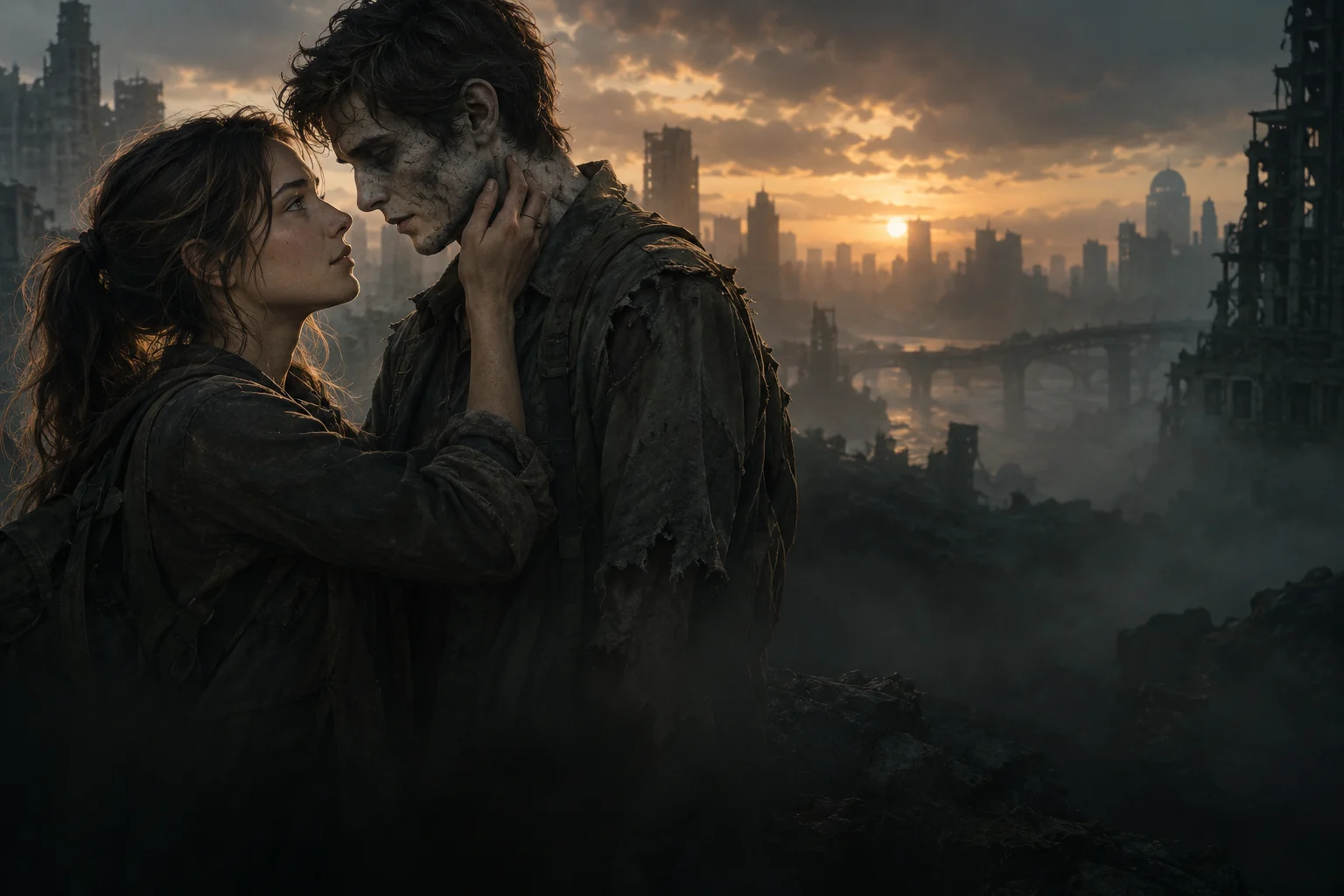
 AI Zombie VideoOct 10, 2026
Prepare one photo of each person before writing the story. Clear references give you a useful basis for comparing a finished clip; they do not guarantee that an AI model will preserve a likeness.
One person in each image
Choose a photo where you can immediately identify the intended person. Avoid a group image that leaves the tool to decide which face matters. Keep the head and enough shoulder detail in frame to distinguish the two references. These are preparation suggestions, not measured rules for every model.
Readable eyes and even light
Check the photo at the size it appears in an upload preview. Can you still see both eyes and the face shape? Sunglasses, hands, strong backlighting and filters can make that comparison harder. Use the clearer photo when you have a choice.
The comparison illustration on this site uses fictional AI portraits to explain these choices. It is not a test showing that one image produces a better video than another.
Ordinary portraits, explicit roles
You can plan an infected character from an ordinary portrait; the infected appearance belongs in the scene direction. Keep that direction separate from the healthy memory. In this studio, the first slot is the zombie and the second is the human. Swapping roles swaps those assignments.
Permission and photo handling
Ask each person whether they agree to this use of their likeness. Confirm where a chosen service stores references and who can access them. Do not assume that selecting a local photo means it has already been uploaded, or that every service offers private storage.
Here, local previews remain in the browser until submission. Configured R2 submissions use public image links. Read the privacy notice and the studio's consent text before submitting.
Current studio file requirements
The current upload supports static JPEG, PNG and WebP images, up to 2 MiB and 20 megapixels per file. Server-side checks decode the file, reject unsupported content and convert accepted images to JPEG. These are the studio’s upload limits. Available generation specifications are shown separately before submission.
Before you continue
- Each preview shows the intended person.
- The two roles match your story direction.
- Both people agreed to the use.
- You understand the chosen service's access and storage conditions.
- You will compare the real output with these references.
Reviewed 12 October 2026. The clear-face and contact-review suggestions are consistent with Dreamina's scene guide; no controlled photo-to-video comparison was performed here. Next: plan the story.