
AI ZOMBIE VIDEO / HOW IT WORKS
How to create an AI zombie video
Upload two authorized adult portraits, assign roles, review the available specifications and credit charge, then generate and inspect your zombie-themed video.
01Prepare one portrait per person
Choose photos with a readable face, visible eyes and enough head-and-shoulder detail to identify each person. Even lighting and fewer obstructions are useful preparation choices, not guarantees of a model result.
- Use only authorized adult portraits. Do not upload minors.
- Use still JPEG, PNG or WebP files up to 2 MiB and 20 megapixels each.
02Confirm the zombie and human roles
The first portrait is assigned to the zombie role and the second to the human role. Use Swap roles to reverse the assignments before submitting.
03Choose the available specifications
Select from the duration, resolution and framing options shown in the studio. Review the output type and total project-credit charge. Clip duration is not a processing-time estimate. Some configured workflows deliver character images rather than a video; check before submitting.
Plan the story beats04Submit and follow the task
Accept the terms and photo permissions, then confirm the generation charge. You do not need to write a prompt. Credits are charged when the task is created. Processing and content review may take time; refresh the existing task rather than starting a duplicate.
Generation charges and credit returns05Review the complete result
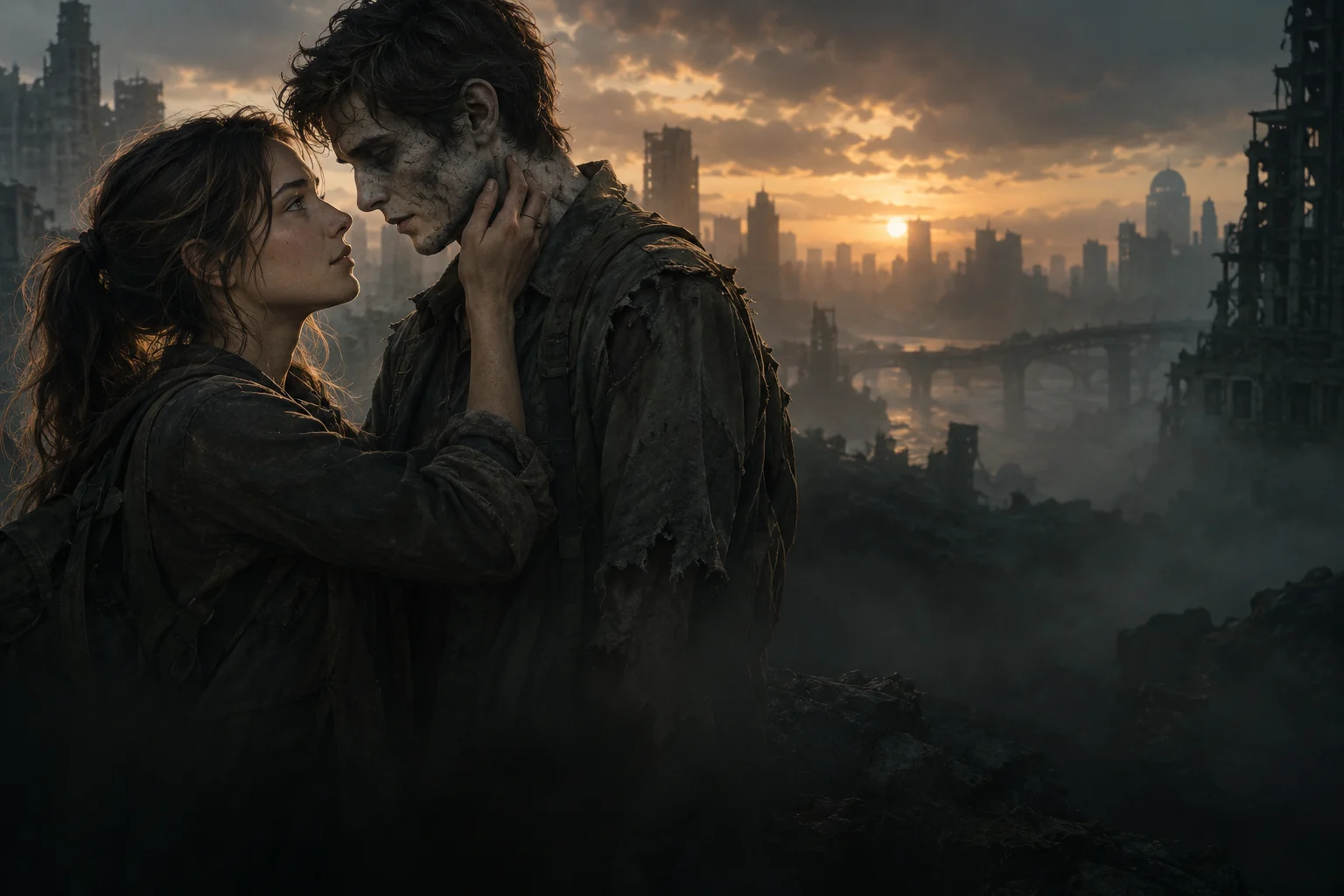
Inspect both identities, hands, the embrace and the change into the healthy memory. Check the actual file, any edits, and rights for music and references before sharing. A successful task status alone is not a quality assessment.
Result review checklist06Manage your creations and photos
Find delivered results in My creations and credit entries in My credits. Request deletion of stored photos and creations in Settings → Media and privacy. Processed inputs and outputs may have public links; download needed results and review the Privacy Policy.
Media handling and privacy